
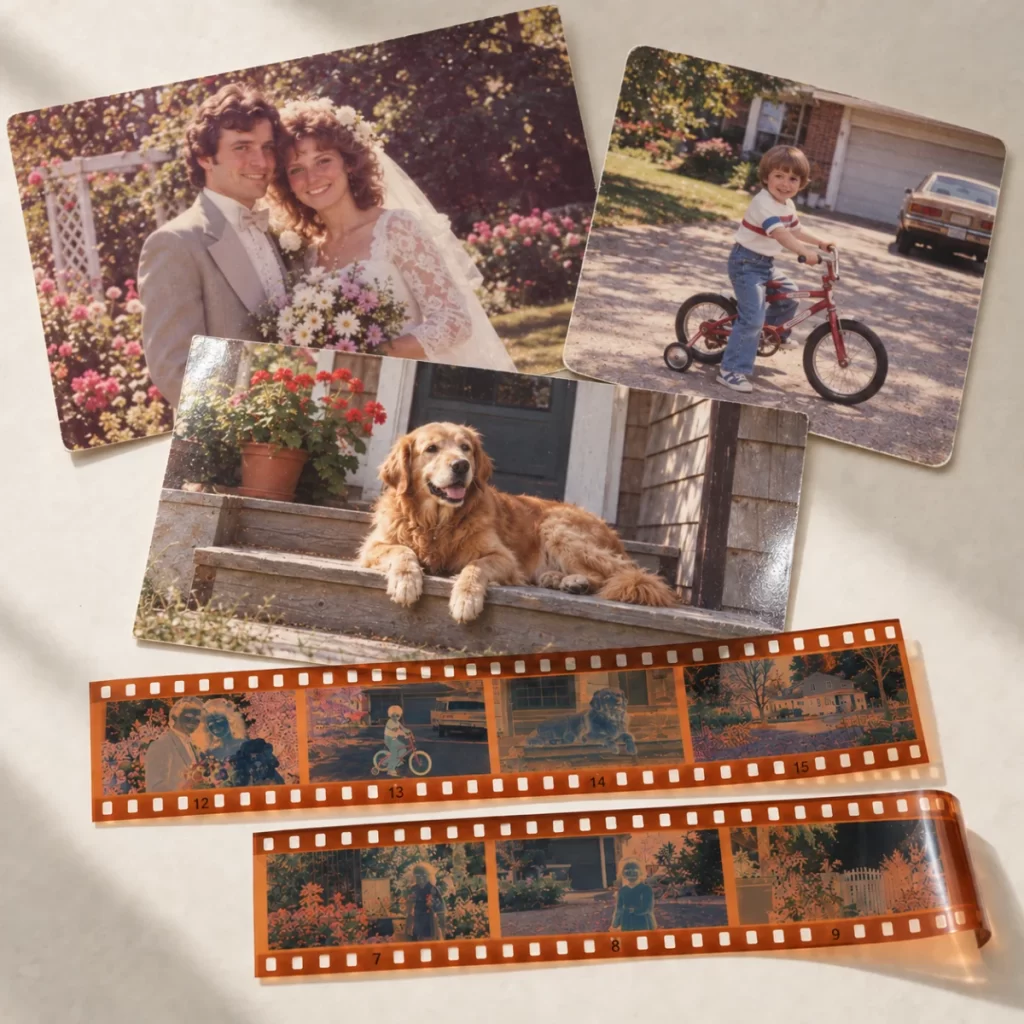
Print & negative scanning
The family shoebox. That envelope of negatives. The slides you haven’t seen in years. Turn them into digital photographs you can enjoy, share and keep close.
- 600 dpi print scans
- High-resolution film scans
- Your originals returned
$1.00 CAD / print
Start with an enquiry. We confirm the price, timing and mailing instructions before you send your originals. $25.00 minimum scanning charge; tax and shipping extra.
Bring them back into view.
Favourite faces and forgotten moments, ready to enjoy on your devices.
Care with every image.
Individual files, straightened and cropped, with basic colour and exposure adjustments.
Keep the originals, too.
Careful packing and tracked return shipping for every collection.
From paper prints to film.
Send loose photographs or developed film. Not sure what you have? Describe it in your enquiry and we’ll help identify the format before you mail it.
Loose photo prints
Colour and black-and-white prints, from small snapshots through 8.5 × 11.7 inches (216 × 297 mm), scanned flat in one pass.
Standard scans are 600 dpi. Loose prints up to 5 × 7 inches qualify for small-print and shoebox pricing.
Negatives & slides
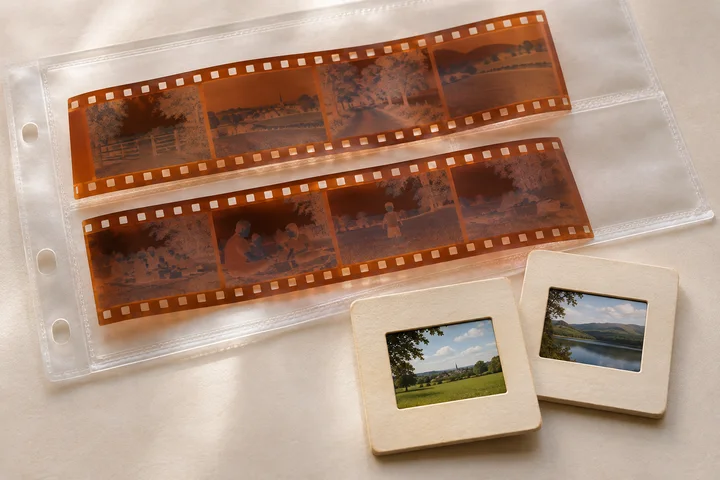
Developed 35 mm negatives and positive transparencies, including standard mounted slides. Colour and black-and-white images are welcome.
Standard scans are 3600 dpi. Leave negatives in their existing strips; you don’t need to cut them into individual frames.
The bigger picture
120 / 220 negatives and transparencies, including 6 × 4.5, 6 × 6, 6 × 7 and 6 × 9 cm frames, scanned at 3200 dpi.
Medium-format strips up to 22 cm long fit in one pass. Longer strips and panoramic frames need a format check and quote before mailing.
We do not develop film. Prints larger than 8.5 × 11.7 inches, 4 × 5 sheet film, glass plates, APS cartridges and 110 / 126 film are not included in this service. Please contact us before sending albums, mounted prints, unusual slide mounts, curled, torn, sticky or mould-damaged originals; we may be unable to accept them.
Simple prices. More memories.
Prices in Canadian dollars, per image. High-quality JPEG files and basic adjustments are included.
| What you’re scanning | 1–99 images | 100–499 images | 500+ images |
|---|---|---|---|
| Small prints Up to 5 × 7 in · 600 dpi | $1.00 | $0.80 | Shoebox deal |
| 35 mm negatives & slides Per frame · 3600 dpi | $1.50 | $1.25 | $1.00 |
| Larger prints Over 5 × 7, up to 8.5 × 11.7 in · 600 dpi | $2.50 per print | ||
| 120 / 220 film Standard frames through 6 × 9 cm · 3200 dpi | $4.00 per frame | ||
$25.00 minimum scanning charge per order. Bulk quantities are counted separately for small prints and 35 mm film; negatives and slides can be combined within the 35 mm tier. The matching rate applies to every image in that category.
One negative frame or one slide counts as one image, not one strip or roll. Print prices cover the front only. Photo backs, TIFF files, panoramic film, custom naming and any restoration are quoted separately before work begins.
You pay postage to us; tracked return postage is quoted separately. We confirm the final count and total before scanning, and ask for your agreement before any additional work.
A whole box of
“remember when?”
For loose prints up to 5 × 7 inches, already removed from albums and grouped in the order you’d like them scanned. Fronts only, with basic adjustments and one JPEG per print. Negatives, slides, larger prints and restoration are priced separately. We use the lower of the small-print total or this package price for eligible batches up to 500 prints.
Let’s plan my shoebox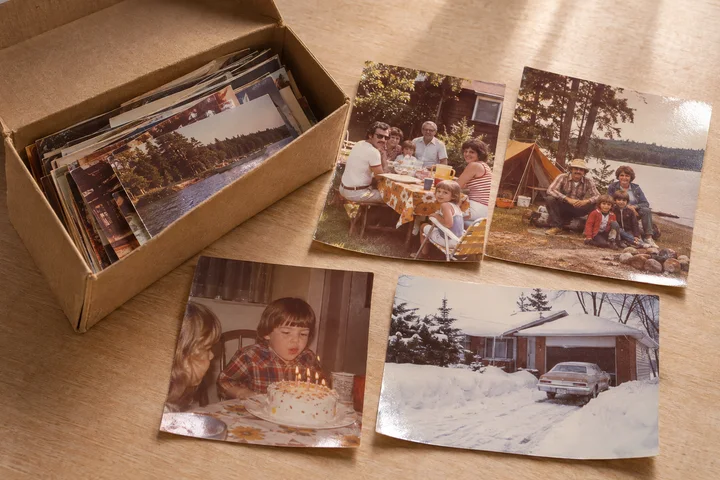
600 dpi · high-quality JPEGs
Basic adjustments · digital download
Additional eligible prints: $0.70 each.
Tax and shipping extra. Packaging is not supplied.
How your scanning order works.
Tell us what you have.
Send us approximate quantities, print sizes and film formats, plus your return postal code and any deadline. We’ll confirm the service, estimated price, turnaround and mailing instructions.
Send your collection.
Once we confirm, pack your originals securely and mail them to us at your expense. Use a tracked service and keep your receipt. We check the contents on arrival and agree the final count and total with you before scanning.
Enjoy them all over again.
After scanning and payment, we provide a private download of your JPEG files and return your originals, carefully packed, using a tracked shipping service. Save your files and make a second backup.
We will do everything reasonably possible to pack your originals safely and always use tracked return shipping. To the extent permitted by law, we are not responsible for loss or damage while originals are in the carrier’s custody on their way to us or back to you. This does not exclude responsibility for our own failure to use reasonable care or rights that cannot legally be excluded. Read the scanning & transit terms.
Scanning information.
The practical details, from preparing your originals to saving your finished files.
What is included in a standard scan?
One high-quality JPEG per print front, negative frame or slide, with rotation, straightening, cropping and basic colour and exposure adjustments where helpful. Prints are scanned at 600 dpi, 35 mm film at 3600 dpi, and standard medium-format film at 3200 dpi.
We reduce visible dust where practical, but scratches, fading, grain and damage may remain. Detailed restoration, hand retouching, scanning photo backs and TIFF delivery are not included; ask for a separate quote. A scan cannot recreate detail missing from the original.
How should I prepare and pack my originals?
Only remove photographs from albums if they lift out easily. Do not force stuck prints apart or use liquids, tape, paper clips or rubber bands directly on photographs or film. Leave negatives in protective sleeves and their existing strips.
Group and label your originals with separate paper notes, and include your name, contact details, agreed reference and an inventory. Keep a copy of the inventory. Use a clean moisture-resistant inner bag, rigid protection and a sturdy outer box with enough padding to stop movement. Keep prints flat and film protected from bending.
Wait for our mailing instructions, then use tracked postage and keep your receipt. Ask your carrier about insurance and its exclusions; sentimental value may not be covered.
Can I mix prints, negatives and slides in one parcel?
Yes, once we have confirmed the formats. Separate and label each group. Small prints have their own bulk quantity; standard 35 mm negatives and slides share the film quantity tier. Larger prints and medium-format frames are priced separately. The shoebox package covers only eligible loose small prints, so film and larger prints are additional.
Tell us which film frames you want scanned before sending them. Each selected frame counts as one image, not one strip or roll.
How will I receive my digital photographs?
A private download of the standard JPEG files is included. We confirm the delivery method and download availability period with your quote, and send the instructions when the files are ready. Files follow your labelled groups where practical; detailed custom naming or sorting is quoted separately.
Please download promptly and keep at least two copies. A download link is not a permanent backup. If you need TIFF files or a USB copy, ask before mailing so we can confirm availability and any additional cost. Scanning does not include new paper prints.
How long will scanning take?
We confirm a turnaround estimate with your quote based on quantity, condition, film format and current workload. The scanning period starts after your originals arrive and you approve the final count and price. Postage in both directions is additional time; the usual print-order preparation estimate does not apply to scanning.
Tell us about deadlines before mailing. If something changes, we will contact you with an updated estimate and discuss your options. See our shipping timeframes and delays policy.
What happens if the count or condition is different?
We check your parcel and confirm the count, condition and final price before starting. We will ask for your agreement before additional handling, restoration or other extra work. Please identify fragile or damaged originals in your enquiry; some items cannot be scanned safely.
If you decide not to proceed before scanning begins, no scanning charge applies, but you remain responsible for postage to us and the agreed tracked return postage. Contact us promptly about cancellation after work has started; we will explain any completed work and applicable cancellation or refund rights.
Will you return my originals, and is shipping tracked?
Yes. We return all originals and do everything reasonably possible to pack them safely, keeping prints flat and film protected. Every return parcel uses a tracked service, and we provide the tracking details. Return postage is quoted separately; you also pay to mail your originals to us.
To the extent permitted by law, we are not responsible for loss or damage while originals are in the carrier’s custody travelling to us or back to you. This does not exclude responsibility for our own failure to use reasonable care or rights that cannot legally be excluded. Tracking does not guarantee against loss or damage. We will help with available tracking information and reasonable carrier-claim documentation. Read our scanning and transit terms before mailing.
Do my photographs stay private?
Your photographs remain yours. Only send images you own or have permission to copy. We use your originals and scans to carry out the agreed service; scanning does not give us permission to publish your photographs or use them in marketing.
Files are handled according to our Privacy Policy. Ask us about any special privacy or file-removal requirements before sending your collection.
What would you like to scan?
A rough count is enough to start. Tell us about the photographs or film, any damage or special handling, and what you’d like to do with the finished images. We’ll reply with the next steps and confirm the download arrangements and return postage.
This is an enquiry, not a paid order. Please wait for our reply and mailing instructions before sending anything.